
Stop Losing Jobs From Missed Calls!
PhoenixCoreAI automatically responds to missed calls, captures the details, and pushes customers to book - all automatically.
The first company to respond wins the job. We make sure it's you.


How PhoenixCoreAI Works
All automated. All focused on booking the job.
PhoenixCoreAI sends messages only after a customer initiates contact with your business
“Hi, this is ABC Heating & Air. Sorry we missed your call. What issue are you having? Reply Stop to opt out"

See exactly what your customer sees when you miss a call
Type a service issue and watch the automated text conversation run—just like it would for your business.
Most service companies miss 20–40% of incoming calls during busy hours or after business hours and weekends.
PhoenixCoreAI automatically texts customers and leads them to booking 24/7 when you miss a call so you don’t lose the job!
How much are missed calls costing you?
This Pays for Itself Fast
If PhoenixCoreAI helps you close just ONE additional job per month, it pays for itself.
A single missed call could be a $500-$2,000 job. Capturing just a few per month adds thousands in revenue
The average home service contractor misses 20-40% of calls during peak hours. Every missed call is a potential $500-$2,000 job walking to your competitor.
Speed Wins Jobs. Delay Loses Them.
When a call is missed, customers often try 2–3 companies.
The first company to respond — and respond professionally — usually wins.


Most Service Businesses:
Reply manually (later)
Respond hours after the call
Forget to follow up
Lose leads without realizing it
Simple, Flat-Rate Pricing.
Designed to scale with your business
First month included in setup
Branded Business Configuration
Missed-call Workflow Setup
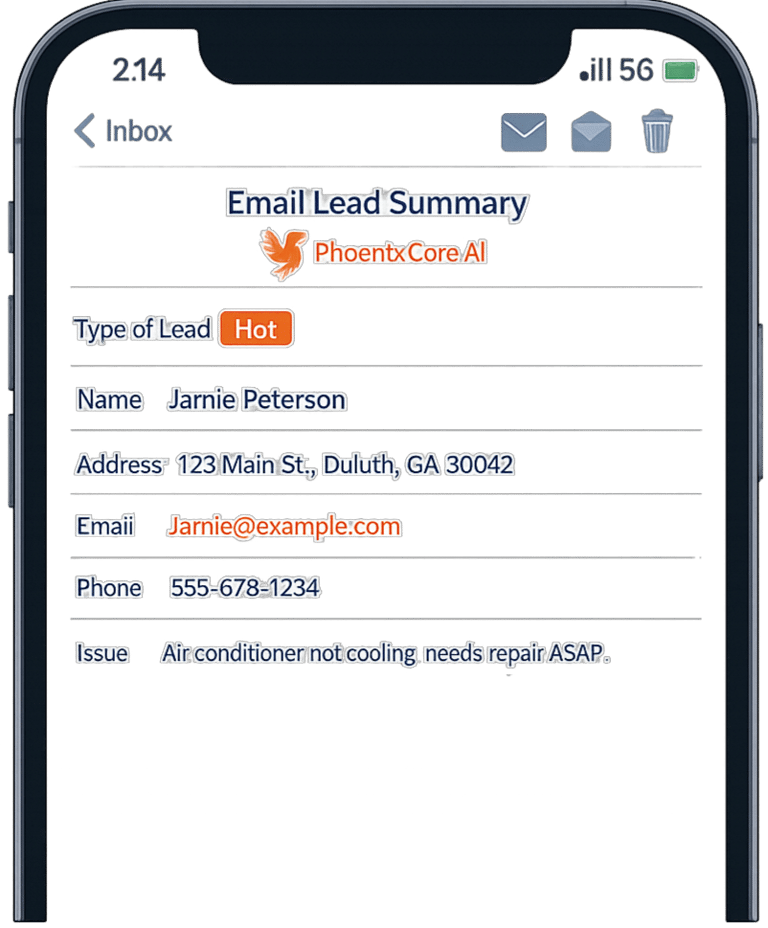
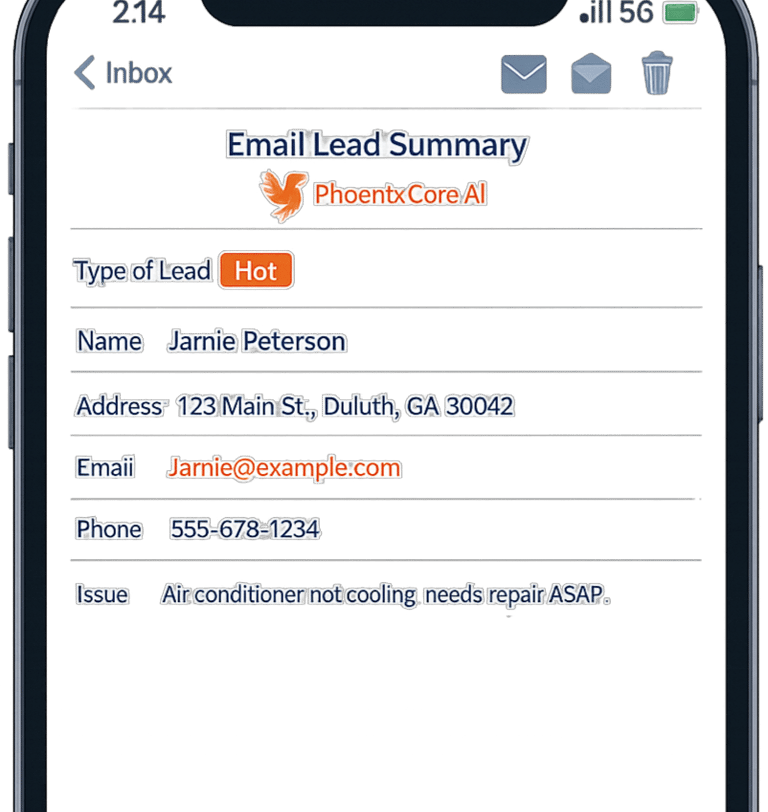
Website Lead Workflow Setup
Owner Alert Setup
Qualification Logic Setup
Booking Handoff Setup
Service-area Setup
Testing and Tuning
No Long Term Contracts
Cancel Anytime
Setup Fee: $497 - Includes 1st Month of Service
Monthly: $147/month
Includes:
If this system helps you close just one additional job per month, it pays for itself

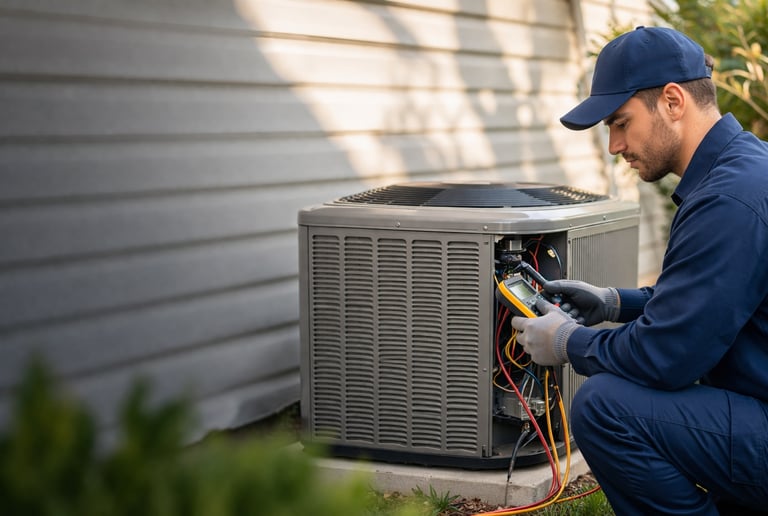
Fill Your Schedule with More HVAC Jobs
Instantly follow up on missed calls, capture service requests, and keep your schedule full during peak demand.
Auto-text missed calls
Capture real-time leads
Book more installs and service calls




Capture Emergency Plumbing Jobs Faster
Reponds immediately to leaks, clogs, and urgent plumbing calls - before customers call someone else
Instant missed-call response
Capture issue + urgency
Hand off booking-ready leads
Win Electrical Jobs After Hours
Instantly respond to panel, lighting, and power issues - even when your office is closed.
After-hours call coverage
Collect job details by text
Reduce missed emergencies
Who Is This For
Built to win jobs when you can’t answer
PhoenixCoreAI is designed for service businesses—fast to implement, easy to run, and focused on converting missed calls into booked work.


Want to see it with your branding?
We’ll show you exactly what your customers experience after a missed call.
See It Live Before You Decide.
We’ll show you exactly how your business would respond to new leads in real time.
No pressure. No long contracts.
PhoenixCoreAI provides automated SMS responses for service businesses.
Customers receive SMS messages after initiating contact by calling a business, submitting a website service request, or sending a text message.
Messages are used to collect service details and assist with scheduling.
Message frequency varies depending on the conversation.
Message and data rates may apply.
Customers can reply STOP to opt out of messages at any time.
Customers can reply HELP for assistance.
Customers receive SMS messages only after initiating contact with a business
This occurs when a customer:
Calls the business phone number
submits a service request through the website
sends a text message to the business
Phoenixcoreai then responds to assist with collecting service details and scheduling service
Help
Questions? Reach out anytime!
347-PHOENIX
347-746-3648
Connect
Subscribe
support@getphoenixcoreai.com
© 2026. All rights reserved.
PhoenixCoreAI helps service companies capture missed calls and respond instantly to website inquiries so they don’t lose jobs when technicians are busy.
PhoenixCoreAI
Suwanee, GA 30043